Shopify Inventory Tracking for Small Ecommerce Businesses:
Most boutique founders hit a "growth wall" right when their marketing starts to work. Your ad spend is finally yielding a high ROI, and the orders are rolling in, but your backend isn't synced. The nightmare isn't the workload; it's the "phantom sale." You sold a "Limited Edition Blue Vase" that existed on Shopify but wasn't actually on your shelf. This friction in Shopify inventory tracking for small ecommerce business operations is what separates a side hustle from a scalable brand. If your data doesn't move as fast as your customers, you aren't growing; you're just creating a backlog of apologies.
In this blog, you will explore how to reduce manual inventory errors in Shopify and build a system that supports growth without getting worried about constant stockouts.

The Invisible Profit Killer: Why Your Counts Are Off in Shopify Inventory Tracking for Small Ecommerce Business
For many founders, the workday ends with a spreadsheet and a sigh. If you are struggling with inaccurate inventory tracking in Shopify solution needs, you aren't alone. Most small businesses start by manually updating quantities. However, as soon as you add a second sales channel, like Instagram Shopping or a local pop-up market, manual entry fails.
When your digital numbers don't match your physical reality, this creates a lose-lose scenario for your business:
- Overselling: Selling a product you don't have, leading to "order canceled" emails that kill your reputation
- Dead Stock: Thinking you're out of an item when it's actually buried in a box, tied up in "phantom" inventory.
To avoid stockouts in small ecommerce brand operations, you have to acknowledge that your current manual process is a bottleneck. Every time you manually type a number into a CSV file, you risk a typo that could cost you hundreds in lost revenue.

Why This Happens: The Root of Inaccurate Data
Understanding why things go wrong is the first step to a fix stock mismatch in Shopify store settings. Most inventory drift happens because of "asynchronous events," things happening at different times that the software can't reconcile.
- Returns and Exchanges: If a customer returns a shirt and you put it back on the shelf without clicking "Restock" in Shopify, your numbers are now wrong.
- Multi-Location Friction: If you ship from your garage and a small warehouse, but Shopify thinks all stock is in one place, you'll see a fix stock mismatch in Shopify store error frequently.
- Buffer Lack: Small brands often list their exact physical count (e.g., 5 units). If one is damaged during packing, you’ve just oversold them.
To prevent overselling in small Shopify business models, you must account for these human elements. If you don't reduce manual inventory errors in Shopify, your data becomes a suggestion rather than a fact.
The Solution: Professional Shopify Inventory Tracking for Small Ecommerce Business
The goal is to move toward "Perpetual Inventory." This implies that as transactions take place, your stock levels are updated in real time. And before switching to expensive third-party apps, Shopify inventory tracking for small ecommerce business must effectively use its built-in "Track Quantity" feature properly to get the most success out of it.
H3: Case Scenario: The "Green Thumb" Boutique
- The Problem: Green Thumb, a small plant store, kept track of sales using a notepad. They often had inaccurate inventory tracking in Shopify solution issues where they sold rare succulents that had already died or been sold in store.
- The Fix: They implemented a barcode scanning system linked directly to Shopify. By scanning every item during the packing process, they were able to reduce manual inventory errors in Shopify by 95%.
By centralizing the Source of Truth, Green Thumb managed to avoid stockouts in small ecommerce brand surges during the holiday season. They no longer had to apologize to customers because the "system" finally knew what the "shelf" held.

Step-by-Step: Setting Up Your Tracking System
Follow these steps to ensure Shopify inventory tracking for small ecommerce business accuracy:
1. Enable "Track Quantity" for Every SKU
Navigate to your product page. Under "Inventory," ensure "Track Quantity" is checked. It sounds simple, but many brands forget this for new variants, leading to inaccurate inventory tracking in Shopify solution gaps.
2. Set Up Inventory Buffers
To prevent overselling in small Shopify business environments, never list your last 2 items. If you have 10 items, list 8. This "safety stock" protects you against damaged goods or shipping mishaps.
3. Use the "Commit" Feature
Shopify distinguishes between "On Hand" and "Available."
- On Hand: Everything physically in your building.
- Available: On hand minus what is already sold but not yet shipped. Understanding this distinction is how you fix stock mismatch in Shopify store confusion.
4. Audit Weekly (Cycle Counting)
Don't wait for a year-end physical count. Every Friday, pick one category (e.g., "T-shirts") and count them. This small habit will avoid stockouts in small ecommerce brand disasters by catching errors while they are still small.
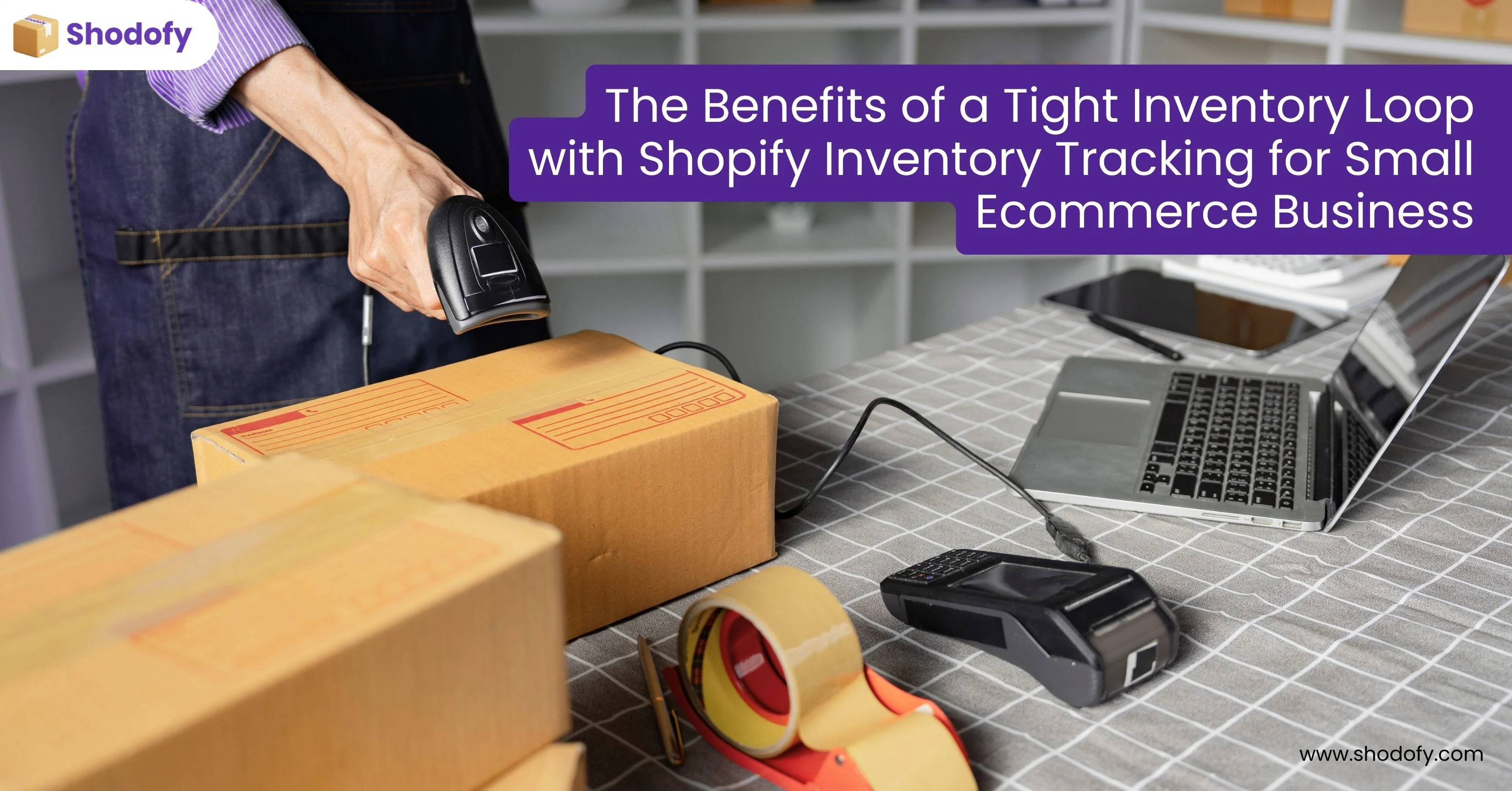
The Benefits of a Tight Inventory Loop with Shopify Inventory Tracking for Small Ecommerce Business
The shodofy stands out for the future-ready platforms because it is built for the specialty of all the modern ecommerce complexitBrandsnds choose shodofy for:
- Improved Cash Flow: You stop buying products that aren't moving because you can finally see your "Days of Inventory" report.
- Customer Loyalty: Customers trust that if it says "In Stock," they will actually receive it. This is how you prevent overselling in small Shopify business.
- Easier Scaling: When you eventually hire a 3PL (third-party logistics) provider, they require clean data. Starting now makes that transition seamless.
- Reduced Stress: No more midnight panicked counting sessions in your warehouse or spare room.
Conclusion: Optimize Growth with Shopify Inventory Tracking for Small Ecommerce Business
Scaling a brand is about more than just marketing; it's about the "boring" back-end systems that keep the engine running. Implementing robust Shopify inventory tracking for small ecommerce business strategies is the only way to ensure your growth is sustainable.
By taking the time to fix stock mismatch in Shopify store records and working to reduce manual inventory errors in Shopify, you are building a foundation of data-driven confidence. A simple counting error shouldn't be a hindrance to your brand. Set your buffers, audit your inventory, and watch your company grow without having to worry about receiving the dreaded "Out of Stock" alert.